Verify Which Database Field Is Used in the Data Entry Form Template
Jump to navigation
Jump to search
If you would like to verify which database field a form element on the template is linked to:
- From the Data Entry Form Template Designer window, select the Logical Tree tab in the Elements pane.
- Select the form element(s) in the design pane. The database field(s) are highlighted with blue in the Logical Tree tab.
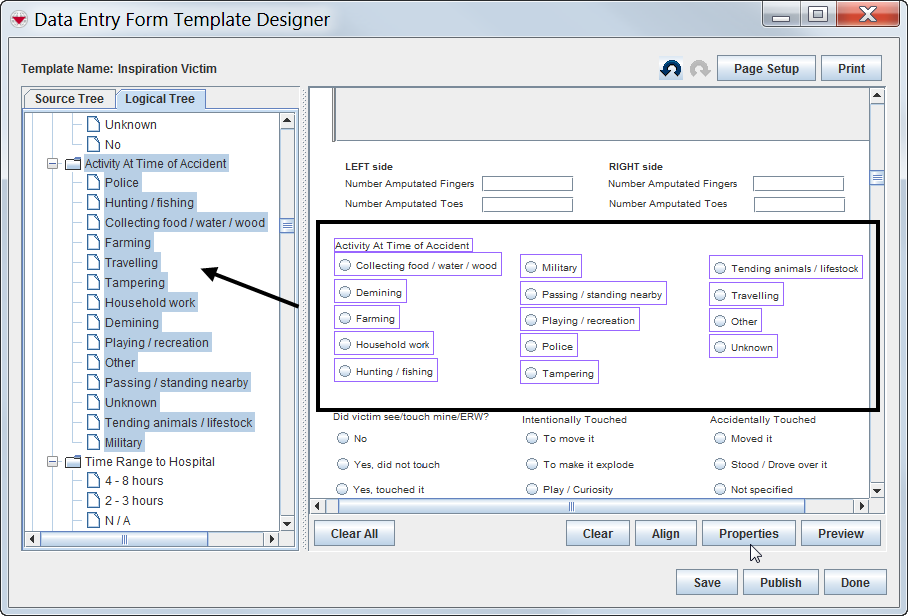
Highlighted database field in the Logical Tree
| |||||||||||||||||||||||||
Category: