Change Element Display Properties
Jump to navigation
Jump to search
| How To |
|---|
Fields are added to the form template design pane with default properties such as width and height. You can modify these properties to customise the look of your data entry form template.
- To open the Component Property Editor either
- Double-click the field that you would like to change.
- Select the field and click the Properties button.
Element Property Editor Read More Label / Text Tool 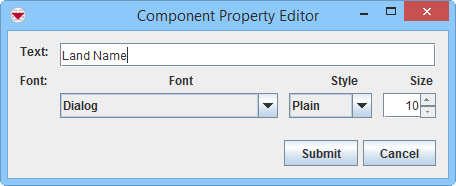
Country Structure 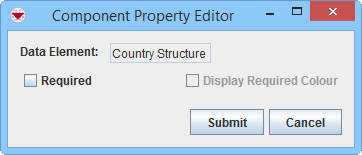
Date 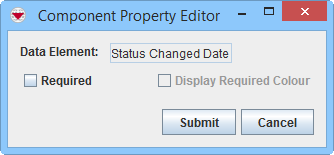
Icon/Image Tool 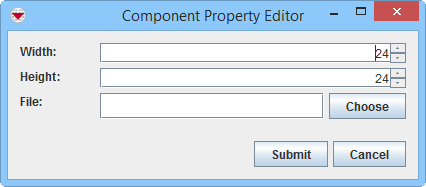
Add an Image to the Data Entry Form Template ID widget 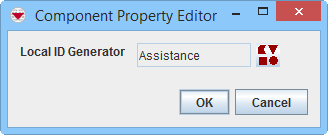
Apply a Local ID Generator Line Tool 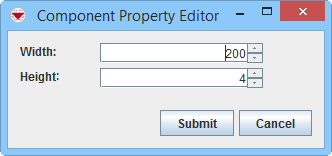
Add a Line to the Data Entry Form Template Multiple Select 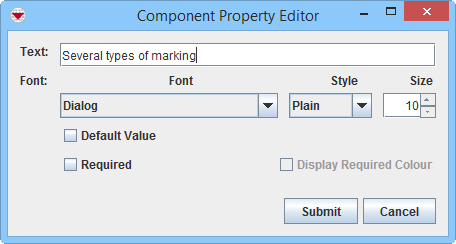
Add values to enumeration list Number / Text Field 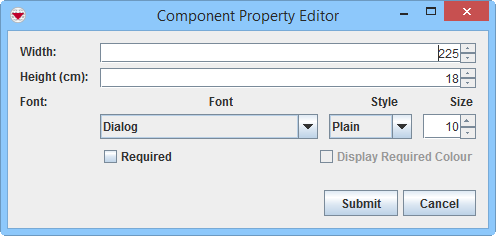
Organisation 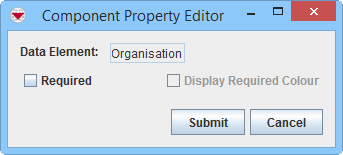
Place 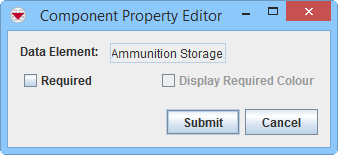
Single Select 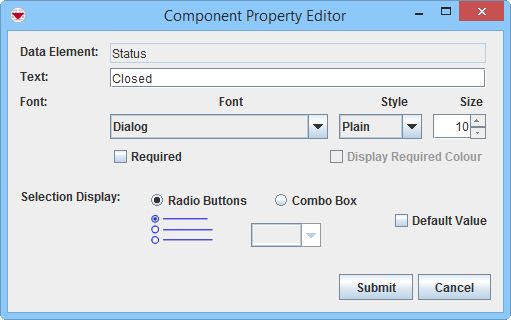
Add values to enumeration list
Change Single Selection Option List
Change Display Option for Single SelectText Area 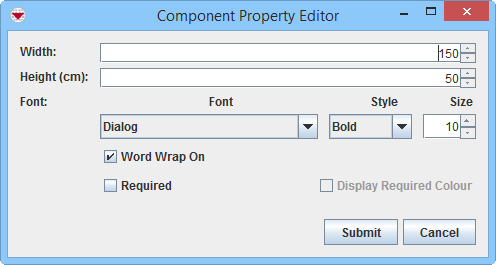

In version 6.0 the display choice between Text Field and Text Area for Text field CDFs has been introduced. 
If the scroll bar is still visible after you have changed the CDF to Text Field OR
you have removed the Word wrap for a system field then drag in the field again.
Minimum field height for text size 12 is 21.
Table 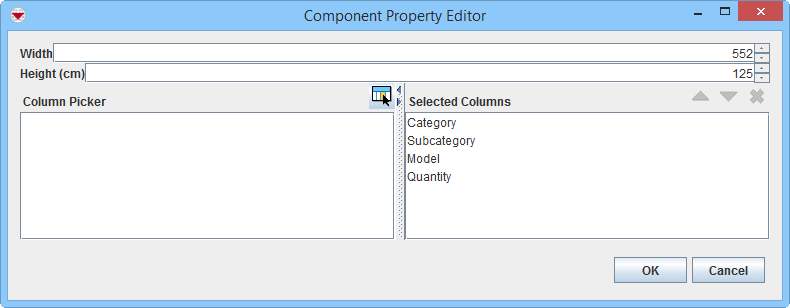
Change table properties
| |||||||||||||||||||||||||
Categories: