Delete a Data Entry Form Template
Jump to navigation
Jump to search
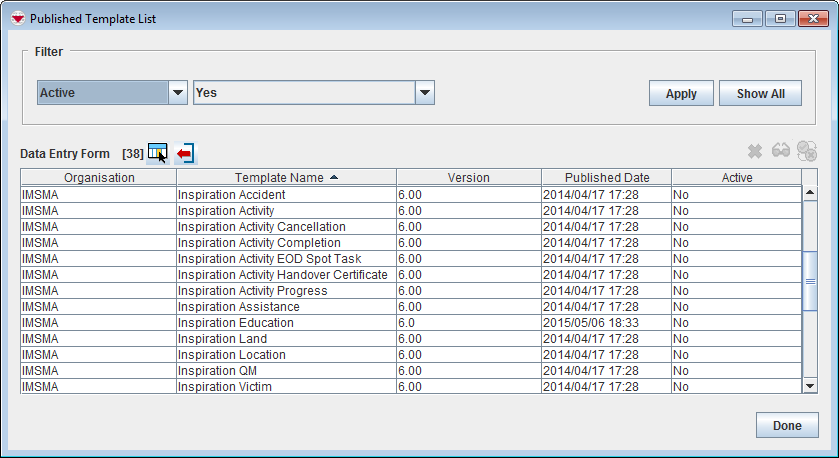
From the Published Template List window, you can delete unwanted Data Entry Form templates, provided that they are not in use by a Data Entry Form (saved or approved) and do not have a status of Active.
- In the Customisation menu → Data Entry Form Templates → Published Templates Manager.
- Select the row associated with the Data Entry Form template you would like to delete.
- Click the
 button.
 |
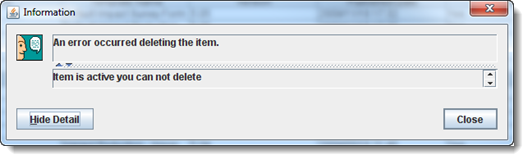
If the template is in use, or if it is Active, the template cannot be deleted from the database. |
| |||||||||||||||||||||||||
Category: