Run Reports in IMSMA
Jump to navigation
Jump to search
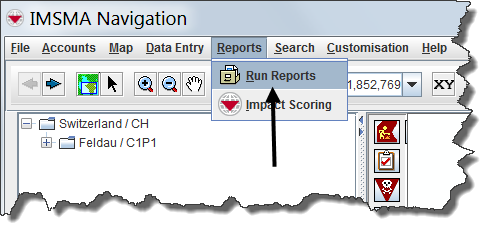
- In the Reports menu → Run Reports.
- Select the row associated with the report that you would like to execute.
- Click the
 button.
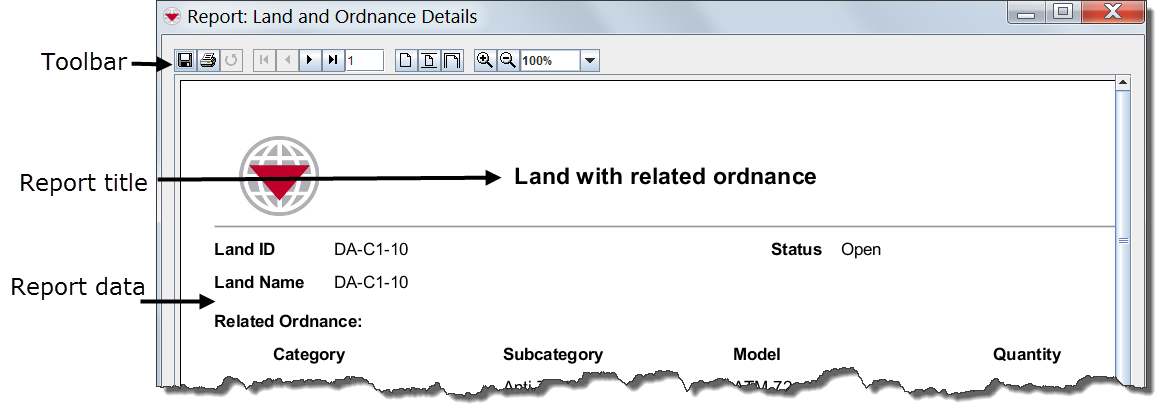
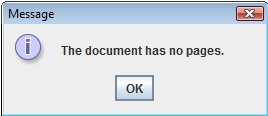
- The report is shown. If you see this message it means that no data exists for the report.
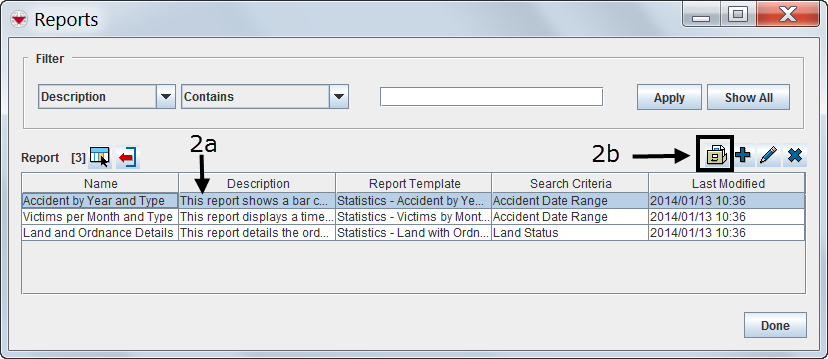
The Reports window displays
| ||||||||||
Category: