Delete an iReport Template Definition from IMSMA Database
Jump to navigation
Jump to search
Report templates that are not used by a report definition can be deleted.
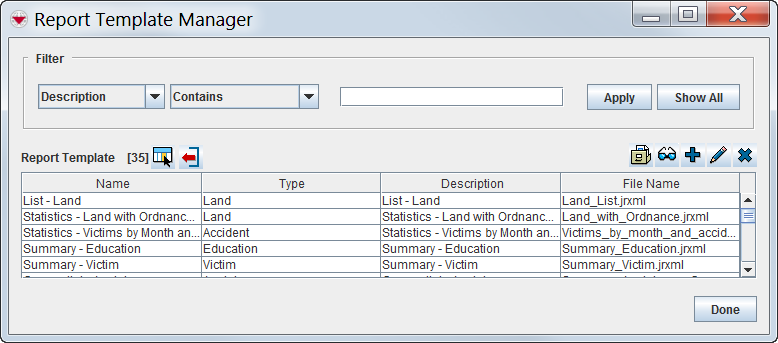
- In the Customisation menu → Report Template Manager.
- Select the row associated with the report template that you would like to delete.
- Click the
 button.
| ||||||||||
Category: