Set Default Coordinate System
Jump to navigation
Jump to search
- In the Customisation menu →Coordinate System Manager.
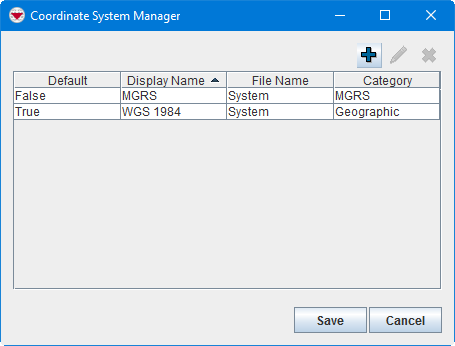
- Highlight the row of the coordinate system that you would like to edit.
- Click the
 button.

Coordinate Reference System Editor Window
- Check the Default checkbox.
- Click the Submit button.
| |||||||||||||
Category: