Delete a Coordinate System
Jump to navigation
Jump to search
- In the Customisation menu → Coordinate System Manager.
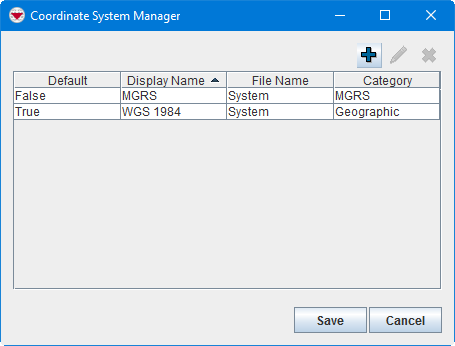
- Select the row associated with the coordinate system that you would like to delete.
- Click the
 button.
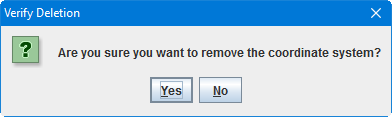
- Click the Yes button.
 |
It is not possible to delete MGRS and WGS 1984 coordinate systems from the list. |
| |||||||||||||
Category: