The Ad Hoc Editor allows the ad hoc exploration of data - typically the data from a Domain. It is meant for users who would like to explore data, as opposed to running a pre-defined report that allows for only little interactivity.
Create an Ad Hoc View
To create an ad hoc view:
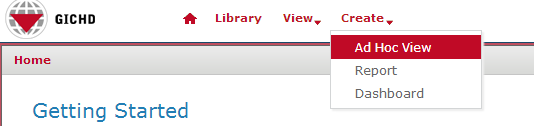
In the top-level menu, choose Create → Ad Hoc View
In the Data Chooser window, click on Domains and navigate to the place in the repository where the domains are - then select the domain that the ad hoc view should be built on and click on Choose Data...File:MINT adhoc choose domain.png
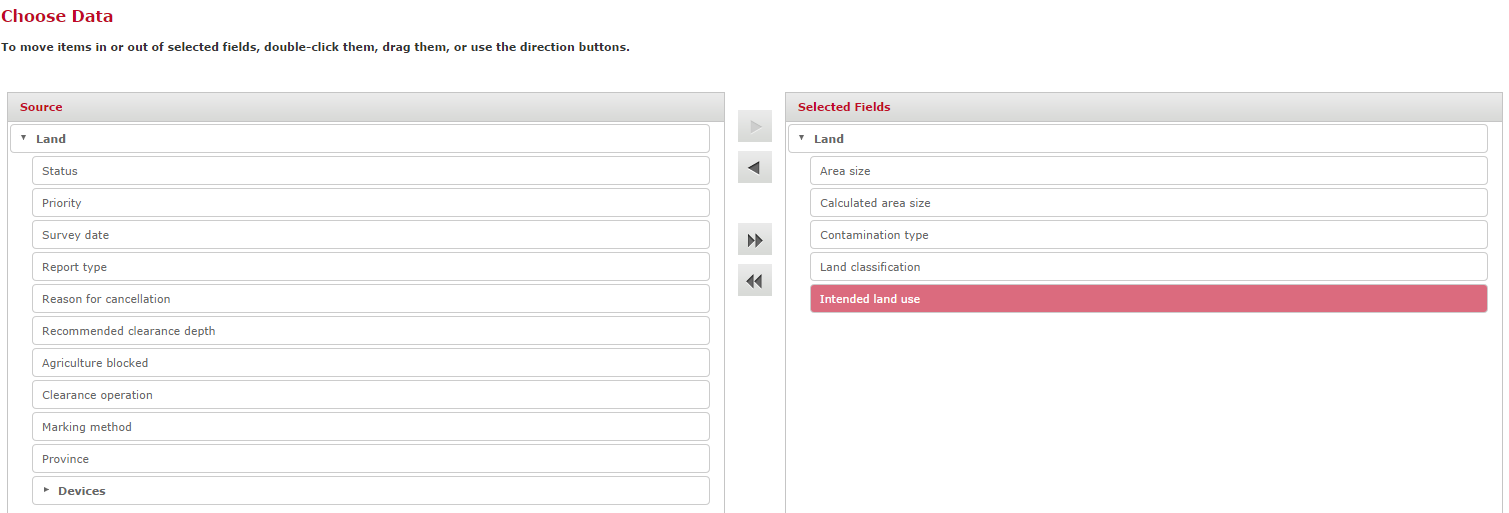
In the next step, from all the attributes available from the chosen domains, select all those that should be included in the ad hoc view. Attributes can either be double-clicked or dragged and droppde to the right-hand pane named Selected Fields. Of course, if required, all available attributes can be selected.
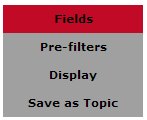
Additional (optional) options can be specified at this stage:
Pre-Filters: the data for the ad hoc view can be filtered on any available attribute - for example, only accidents that happened in a specified date range could be considered
Display: the order of appearance of the attributes can be changed, for example for ordering them logically
Save as Topic: the specified selection of attributes, pre-filters and displays can be saved as another object type called Topic. A topic can also be the basis for an ad-hoc view.