Java error during installation
Jump to navigation
Jump to search
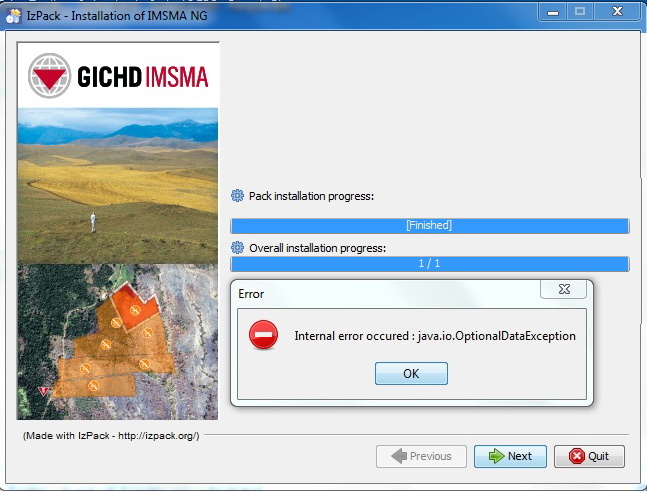
Error message
During installation of IMSMANG the error message "Internal error occurred: java.io.OptionalDataException".
The installation was interrupted and not all files were copied to the C:\IMSMAng folder.
Unusual update of the environment variable PATH was also observed.
The error was caused by a defective USB memory stick OR the files got damaged when they were copied to the USB memory stick.
- Deleting the C:\IMSMAng folder
- Correcting the environment variable PATH
- Restart of the computer
- Using another USB memory stick
solved the issue.
Category: