Installation ODBC driver
Jump to navigation
Jump to search
In order to be able to connect Access, Excel, etc. to the IMSMANG database and/or the staging area database PostgreSQL ODBC driver needs to be installed on the computer that will connect to the database(s).
 |
Which ODBC driver you should install depends on your Microsoft Office type. If you have 32 bits Microsoft Office then you should use the 32-bits PostgreSQL ODBC driver. |
- Download the one of drivers from here.
- Unzip the installation package
- Start the installation with administrator permission
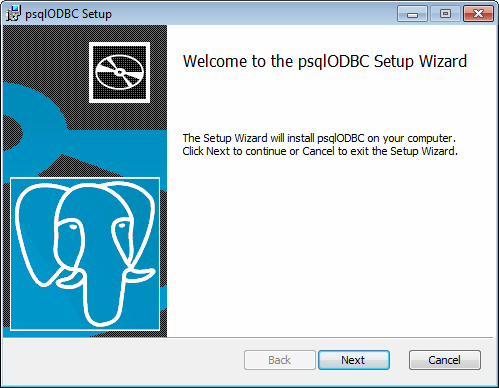
Click Next
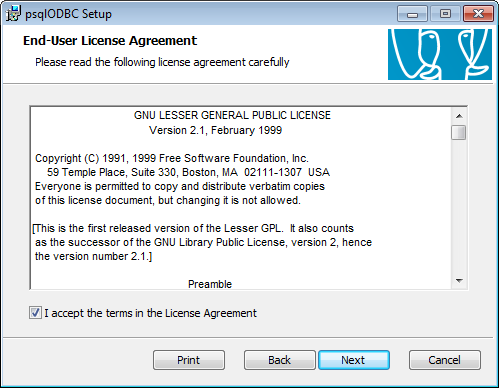
Accept and click Next
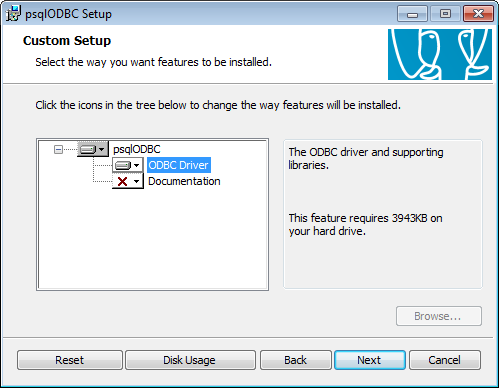
Click Next
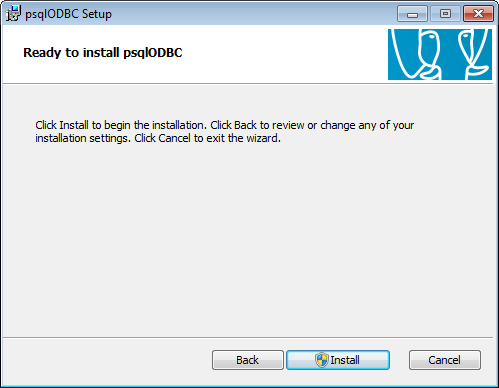
Click Install
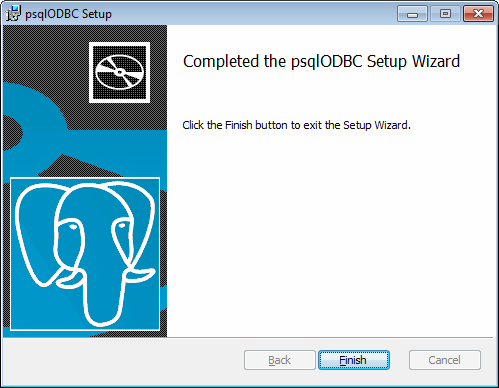
Click Finish
Next step is to create an ODBC source to the IMSMANG database and/or the staging area database.
Category: