Print a Task
Jump to navigation
Jump to search

Click the  button in the Task Editor window.
 |
The Print button is in the upper right corner of the Task Editor window. |
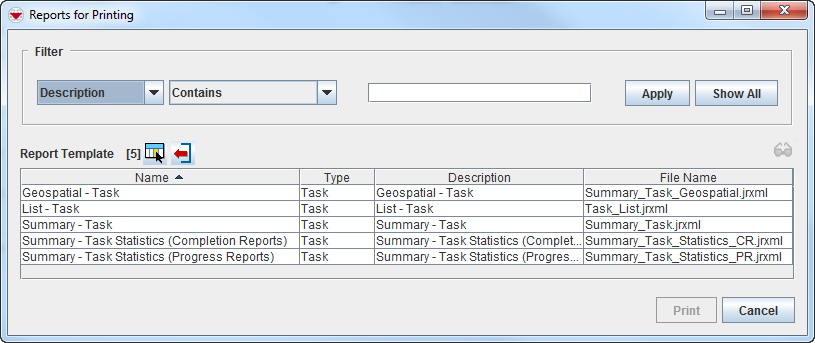
There are five printing templates included in the installation for Task:
- Geospatial
- List
- Summary
- Statistics based on Completion reports
- Statistics based on Progress reports.
| |||||
Category: