Archived, read-only copy of the IMSMA Wiki.
Inactivate Custom Defined Fields
From IMSMA Wiki
Jump to navigation
Jump to search
 |
To inactivate a CDF has no effect on publish Data Entry Form templates and the CDF is still included in the Column Picker, etc.
|
- In the Customisation menu → Data Inventory Manager.

- In the left pane of the Data Inventory Manager window, select the data category that contains the CDF you would like to inactivate.
- In the right pane of the Data Inventory Manager window, click the row of the custom defined field you would like to inactivate.
- Click the
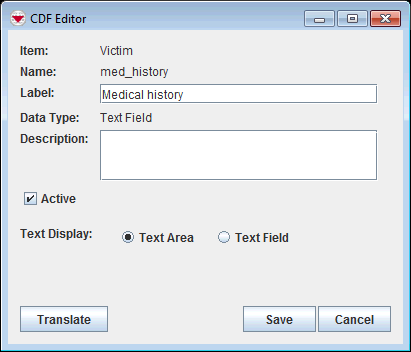
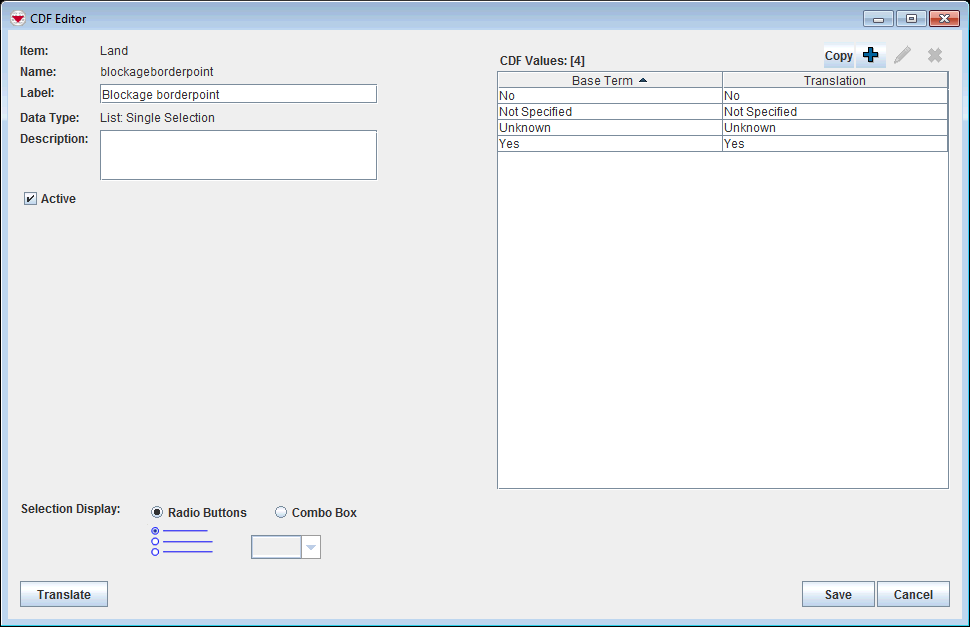
 button to display the CDF Editor window.
- The CDF editor looks different depending on data type.
- Uncheck the Active checkbox and click the Save button.