Export Data Entry Form from Workbench
Jump to navigation
Jump to search
Exporting a Data Entry Form from the Workbench allows you to export non-approved Data Entry Forms to a xml file.
- Select one or more Data Entry Forms and click the
 button.
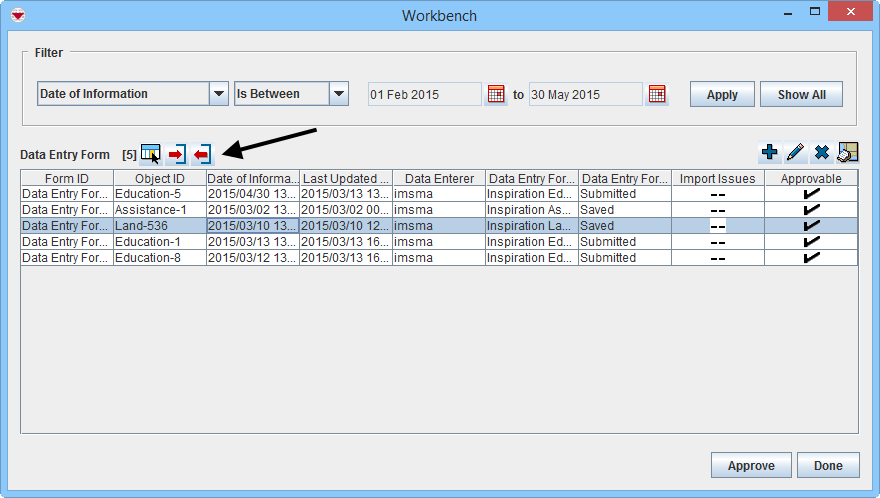 Workbench window
- The Export Options window displays.
- If appropiate, change number of records per file.
- If you do not want to include the attachments, check Exclude Data Entry Form Attachments data on maXML export.
- Click OK.
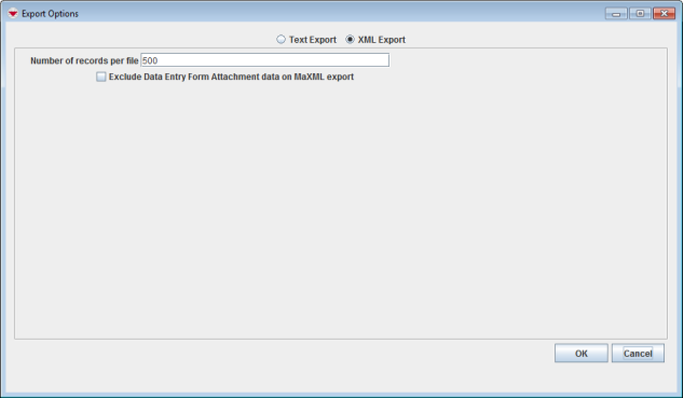 Export Options window
- Specify the directory to which you would like to export the file and the name of the file.
- Click the Save button.
- The Export finished window displays.
- Click the OK button.
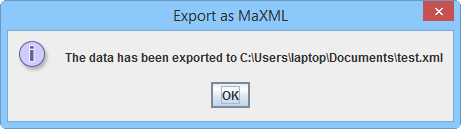 Export confirmation window
 |
In the Search for Exporting Data Entry Form you may use more criteria to select which Data Entry Forms you would like to export than in the Workbench. |
| |||||||||||||||||||||
Category: